Lootbound First Run Guide for Steam
Use this spoiler-light Lootbound first-run checklist to learn early priorities, official release facts, and what still needs in-game verification.
What should you do before your first Lootbound run?
Open the official Steam listing and confirm which build is currently available. Old guides can become stale after release or a patch. Steam currently labels Lootbound as a single-player game with Steam Cloud, 20 achievements, full controller support, and a Playable Steam Deck rating. Its store page also lists separate Windows, macOS, and SteamOS/Linux requirements and warns that Intel-based Macs are not supported.
Use this pre-launch check instead of troubleshooting several variables at once:
| Check | What to verify |
|---|---|
| Edition | Full game or the separately listed demo |
| Platform | The live requirements for your operating system |
| Input | Keyboard and mouse or a controller recognized by Steam |
| Save context | The Steam account and Cloud status you intend to use |
| Version | The version shown in game before following a mechanics guide |
These are store capabilities, not promises that every controller layout, Deck scene, or save transfer behaves identically. Test the exact setup you plan to use before investing a long run.
What should you learn in the opening minutes?
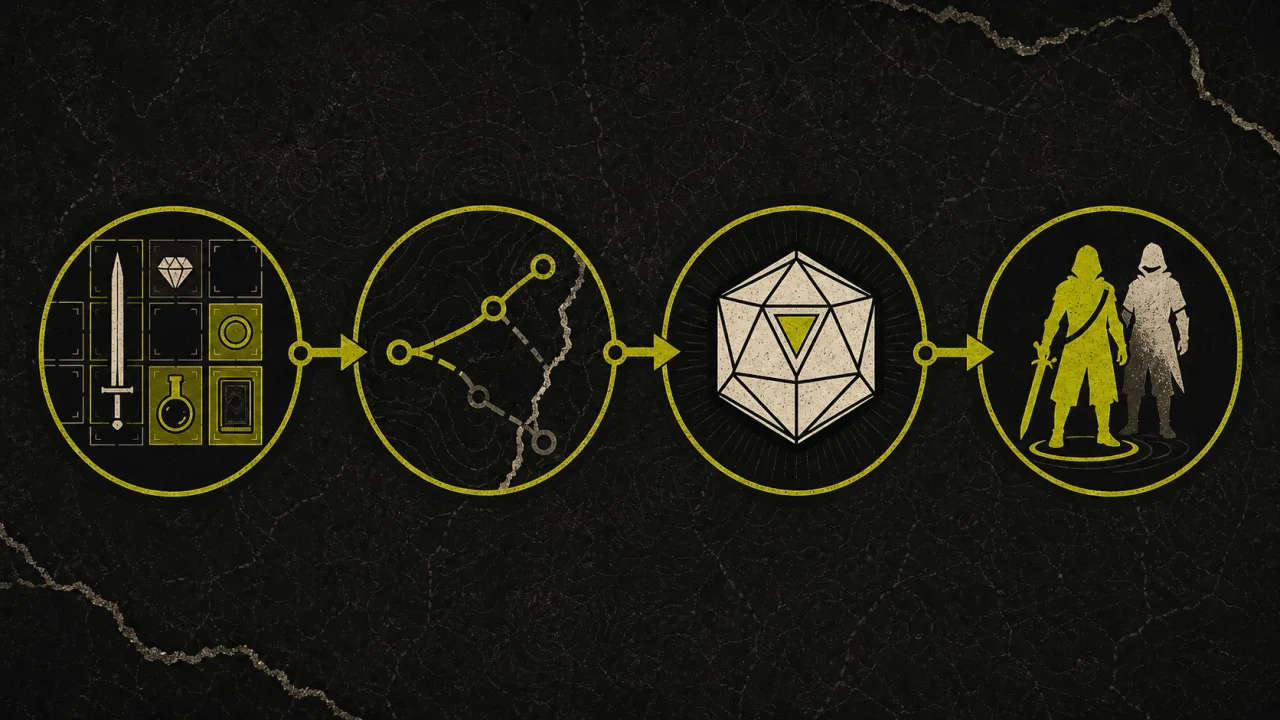
The official description gives five reliable things to test immediately: every expedition begins with one hero, route choices lead toward loot, companions join along the way, each party member needs a separate equipment set, and items can be rotated in free inventory space. It also says that adjacent-item auras can change a build when one item moves by a single cell.
Turn those facts into a short opening checklist:
- Rotate one irregular item and compare the space left around it.
- Move one aura item by a single cell and identify which adjacent pieces change.
- Keep the hero’s active inventory coherent before preserving speculative pieces.
- Read the route branches before selecting the most visually valuable reward.
- When a special room shows several difficulties, compare the reward with the dice requirement shown on screen.
The inventory rotation guide and aura adjacency guide explain the first two checks without relying on a fixed item list.
What should you learn in the first session?
Use the first complete session to observe placement, party growth, and route feedback. These checks create knowledge that remains useful when balance changes because they focus on how to test a decision rather than one fixed answer.
- Rotate item shapes and watch which layouts remain flexible.
- Observe which relationships update immediately after a move.
- Read every route choice before selecting it.
- Use dice decisions to learn failure cost, not chase every maximum reward.
- Note how companions and Guardian parts alter the run’s direction.
Start with the broader beginner guide when you want a complete run-planning framework.
What is a good first-run objective?
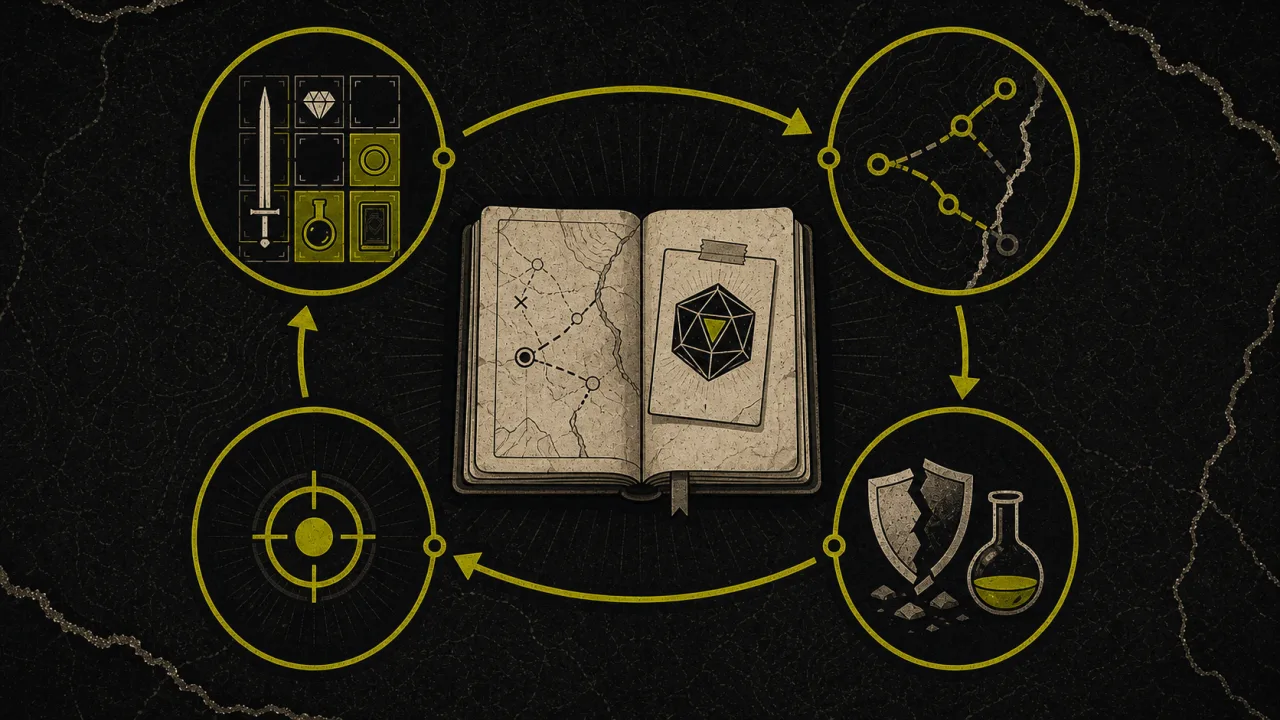
Do not judge the first run only by whether it reaches the ending. A useful first attempt should answer a small set of reusable questions:
- Which active items directly support the hero’s current abilities?
- Which pieces are only occupying space while waiting for an unconfirmed synergy?
- Which route choice solved the party’s immediate problem?
- Which special-room reward was worth its displayed difficulty?
- What changed after the first companion joined?
- Which resource or weakness ended the run?
That produces a practical next-run plan. For example, “protect inventory flexibility until the first companion” is testable; “always take the left path” is not, because the visible choices and run state can change.
How should you handle patches and old advice?
Record the game version before treating an observed rule as current. Patch 1.1.7, for example, changed item selection by adding a predictable common reward alongside a dice option with a chance at something better. A guide recorded before that change can describe a different decision screen without being fraudulent; it is simply outdated.
Check the Patch 1.1.7 notes and the site’s updates section when your screen does not match a guide. Never invent missing odds or item pools to make old advice appear precise.
If the game will not start on Steam Deck, follow the developer’s Steam Deck compatibility advice before planning a run.
What belongs in a useful bug report?
Record the visible game version, full game or demo, operating system, input method, reproduction steps, and a screenshot that includes the complete inventory or decision screen. If the issue involves a save, also note whether Steam Cloud was active and whether the problem appeared before or after switching devices. Version context matters because a mechanic can change after a patch, making an otherwise accurate report difficult to reproduce later.
How do you move beyond the tutorial mindset?
Once every piece has a reason for occupying its current cell, test one focused hypothesis per run: a placement rule, companion interaction, route threshold, or Guardian direction. Focused runs produce cleaner evidence than trying to discover every system at once.
Sources
Related Articles
guides
Lootbound Achievements Guide: All 20 Steam Unlocks
See all 20 Lootbound Steam achievements, current unlock conditions, completion categories, and the hidden requirement that still needs verification.
guides
Lootbound Beginner Guide: Builds, Routes, Dice, and Progression
Start stronger Lootbound runs with a practical plan for active inventory space, AI companions, map routes, D20 checks, crystals, and Hub upgrades.
updates
Lootbound Secret Update: Easter Egg and Background Play
Official details on Lootbound's secret hero animation, its 10% trigger chance, background operation, and fixes for different screen resolutions.
Was this helpful?
Thanks for the feedback!